Amin Said, Founder of Pure Technology Consulting LLC
https://puretechconsult.com
For a high-ticket service business, the first inquiry is more than a new contact. It is the beginning of a customer or patient relationship, and a moment when the business must respond clearly, gather the right information, and make the next step easy.
That path can quietly break down when inquiries arrive through multiple channels, staff re-enter information across systems, or nobody can see who owns the next action. The result may be missed appointments, delayed decisions, and staff time spent coordinating instead of serving.
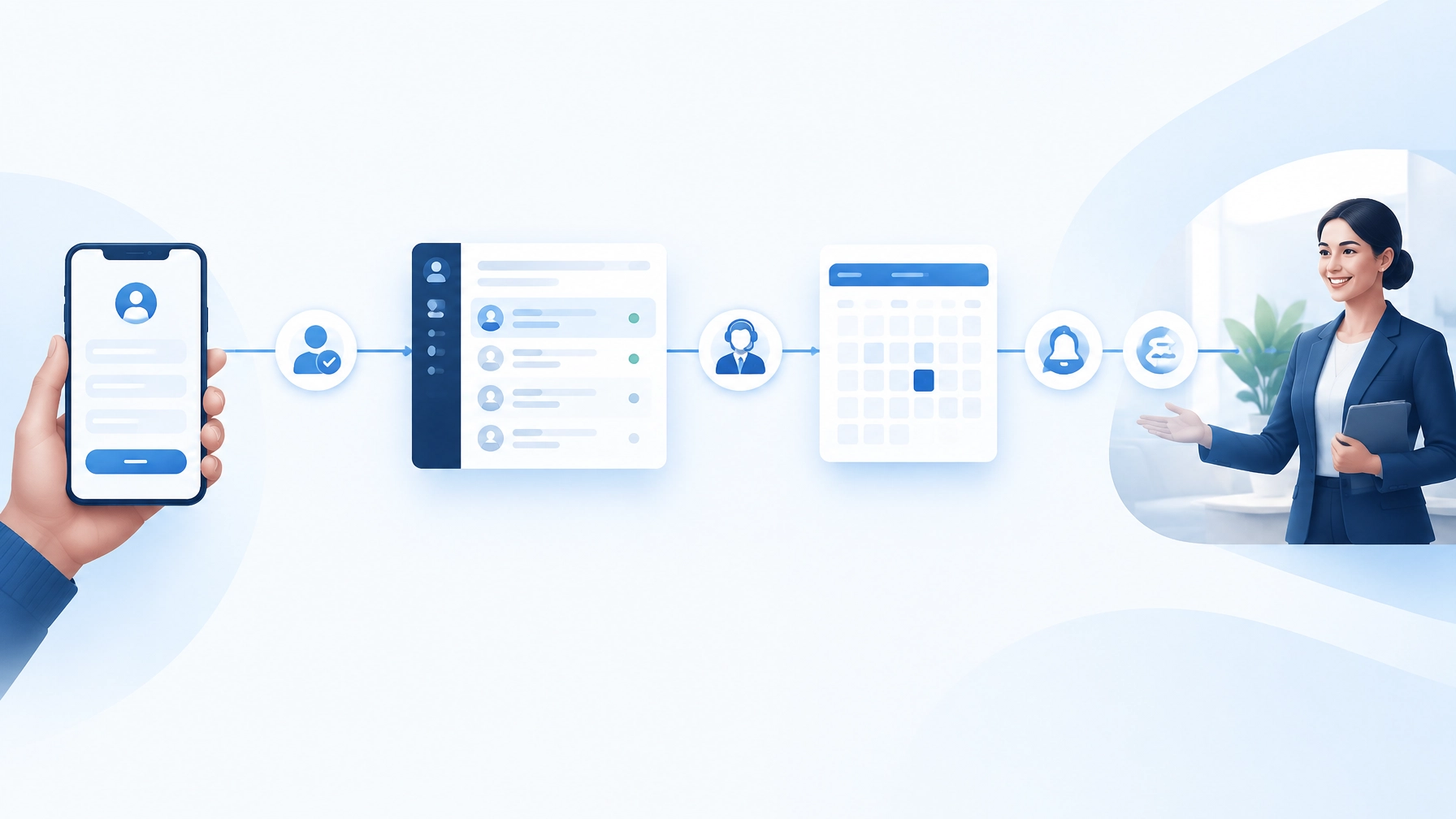
A well-designed intake workflow connects each step from first inquiry to first appointment. It gives people a more consistent experience and gives owners better visibility into where prospects progress, stall, or need human attention.
A CRM stores contacts; an intake workflow moves people forward
A CRM is useful for keeping contact details, recording interactions, and organizing follow-up. But a contact record alone does not ensure someone responds, gets routed to the right team, books an appointment, or completes required forms.
An intake workflow defines those actions. It connects the CRM to forms, communications, scheduling, and, where appropriate, EHR or billing systems. It determines what happens when an inquiry arrives, what information is needed, who is responsible, and how the system responds when the usual path does not apply.

The distinction matters for a counseling center handling sensitive requests, a physical therapy clinic coordinating evaluations, or a multi-location service business routing leads by location. Each needs more than a list of contacts. It needs a dependable process that turns an inquiry into an appropriate next step.
The stages of a reliable intake pipeline
A practical intake pipeline does not need to be complicated. It does need to make ownership and status clear at every stage.
-
Capture the inquiry. Bring website forms, calls, email, chat, and referrals into a consistent intake record. Retain the source and time received, and check for an existing contact before creating a duplicate.
-
Qualify and route. Collect only the information needed to direct the request, such as service sought, preferred location, availability, or eligibility requirements. Route by clear rules, and flag incomplete or unusual inquiries for staff review.
-
Acknowledge and assign. Confirm that the inquiry has been received and make clear what happens next. Set response service levels (SLAs) for staff follow-up, then alert the responsible person when a request is unassigned or approaching its deadline.
-
Offer scheduling. Show appointment options that reflect actual availability and relevant service rules. When someone books, update the appropriate records so staff do not need to copy details into multiple tools.
-
Prepare and remind. Send the forms, instructions, or other information needed before the appointment. Provide reminders through approved channels, record delivery or response status, and make rescheduling straightforward.
-
Recover missed or cancelled appointments. If an appointment is missed or cancelled, prompt a respectful follow-up and provide a clear rebooking option. Keep the outcome visible so staff can step in when automation does not resolve it.
-
Hand off to the delivery team. Make relevant intake details and appointment status available to the people preparing to provide the service. A complete handoff reduces repeated questions and helps the first appointment begin with context.
These stages are a connected journey, not a set of isolated notifications. A booking should update the inquiry status; a cancellation should change the next action; and a completed appointment should close or advance the intake record according to the business’s process.
Design around one source of truth
When staff must enter the same information into a form, CRM, calendar, and EHR, inconsistencies become more likely and administrative work grows. A strong design identifies where each piece of information is authoritative and how it should move between systems.
That does not necessarily mean replacing the tools already in place. In many cases, integrations or a custom application can coordinate them while allowing each system to keep its intended role. The important thing is that staff can trust the current status and do not have to guess which record is correct.
Useful workflow records may include the original inquiry, assigned owner, status changes, appointment details, communications, consent or contact preferences, and staff overrides. In healthcare settings, intake and scheduling data may involve protected health information. The system should be designed with appropriate access controls, secure integrations, audit records, and a careful review of vendor responsibilities. The U.S. Department of Health and Human Services’ guidance on HIPAA and cloud computing explains why covered entities should evaluate cloud service providers and applicable business associate arrangements. HHS also addresses appointment reminders under HIPAA.
Let automation handle routine steps; keep judgment with people
AI workflow automation can help teams process inquiries more consistently. Depending on the data, tools, and safeguards involved, AI may categorize a request, summarize a person’s history, identify missing information, or draft a response for review. These capabilities can reduce repetitive reading and data handling, but they should support, not obscure, how decisions are made.
A human should remain responsible when an inquiry involves clinical judgment, a safety concern, an exception to policy, unclear information, or a person asking for help outside the automated flow. In healthcare, AI should not diagnose or make clinical decisions. In any service business, the workflow should make it easy to pause automation, escalate an issue, and document the human decision.

This is where thoughtful AI consulting services can be useful: not to add AI for its own sake, but to identify appropriate tasks, define review points, and connect assistance to a workflow staff can understand and control. The same principle applies to broader business automation consulting and enterprise automation consulting: the system should make routine work easier while preserving accountability for consequential decisions.
Multi-location intake needs local routing and shared visibility
For a business with several clinics or service locations, “assign to the team” is not specific enough. The workflow may need to consider where a customer wants service, what each location offers, staff availability, or local capacity. It should route accordingly while preserving shared standards for follow-up and reporting.
Leaders also need to distinguish location-level activity from the overall pipeline. Consistent definitions for statuses and outcomes allow comparison across locations, while local teams retain the information relevant to their daily work. A well-designed system can show where inquiries are coming from, which are being booked, and where handoffs or follow-ups need attention, without forcing each location to maintain a separate, disconnected process.

Measure whether the journey is working
The purpose of intake automation is not to generate more notifications. It is to make the customer journey easier to complete and the work easier to manage.
Choose a small set of measures that reflect the business’s goals. These might include time to first response, inquiry-to-appointment conversion, intake completion, cancellations, no-shows, and recovery after a missed appointment. Review them by source, service, team, or location where the data is reliable. The measures become more useful when teams agree on what each status means and keep records current.
A focused digital transformation consulting engagement can help determine how those measures should be captured across existing systems. Where standard software cannot support the required routing or integrations, custom web application development may provide a practical way to connect the pieces without forcing staff into duplicate work.
Pure Technology Consulting’s AI Local Boost, ChainHQ, EHRIO Pro, and FTP Inform demonstrate our capability to build scalable custom systems that coordinate complex workflows and data.
Build a more dependable path from inquiry to appointment
A thoughtfully automated intake process gives prospects a clearer next step, helps staff focus on the work that requires their attention, and gives owners a more complete view of how demand moves through the business. It begins with an understanding of your services, systems, and handoffs, and turns that context into a workflow people can rely on.
To discuss a custom CRM and intake automation project, book a discovery call or contact Pure Technology Consulting at +1 (803) 921-0969. You can also learn more about our custom web application development capabilities.
Amin Said, Founder of Pure Technology Consulting LLC
https://puretechconsult.com
Leave a Reply